
Hi, welcome to BytebaseX! In today's post, I'm going to share Textrim, a lightweight and responsive Blogger theme built with a focus on simplicity, readability, and performance. By omitting thumbnails from the homepage, it prioritizes text content and fast page loading, making it ideal for writers, personal journals, and content-heavy blogs.
Why Choose This Template?
Choosing the right template is important because it directly affects user experience, loading speed, SEO performance, and overall website appearance. A well-optimized layout improves navigation, engagement, and content presentation while reducing unnecessary complexity.
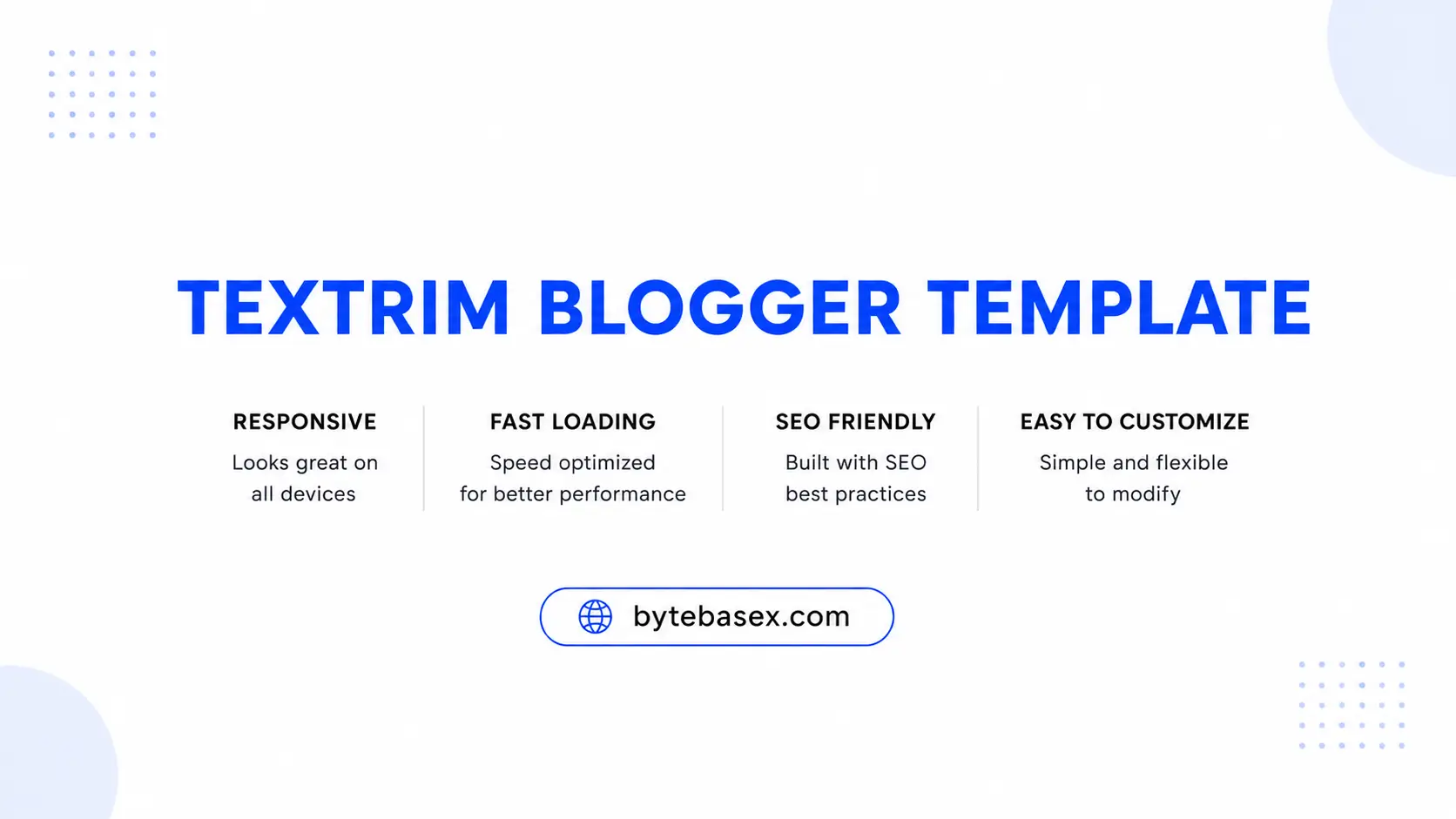
Textrim is built with a text-first, minimalist concept by Igniel. By eliminating image thumbnails on the homepage, it drastically reduces HTTP requests and ensures lightning-fast loading speeds, making readability and speed its main advantages.
It is a simple, modern theme made specifically for Blogger that is easy to read and user-friendly. Writers, personal bloggers, and tutorial sites love it because they can create a professional-looking blog without needing to learn difficult coding.
Template Information
| Template Name | Textrim |
| Version | 4 |
| Price | Freemium |
| Last Updated | 10 November, 2023 |
| Platform | Blogger |
| Developer | Igniel |
Description
Textrim is built using the latest Layout v3 and Widget v2 standards, ensuring compatibility with modern Blogger features. Its minimalist design creates a clean reading environment while remaining highly functional. You can easily customize fonts, colors, and other visual elements through the standard Blogger Theme Designer without editing HTML.
For search engine visibility, the theme includes built-in SEO optimizations, schema markup, and valid Google data structures. It also provides practical features such as strategic ad placement guides (Billboard, In-Feed, Sticky Sidebar), and an in-article multi-related post system. The fully responsive layout ensures a consistent experience across mobile, tablet, and desktop devices.
This design is particularly well-suited for news, tutorials, or sites that require a high-density information layout without image clutter. By removing distractions, it allows your written content to stand out as the primary focus while optimizing for maximum page speed and Core Web Vitals.
Template Features
- No Thumbnail Homepage: Completely removes image thumbnails on the homepage for maximum loading speed and minimal payload.
- Layout v3 Support: Built on the latest Blogger framework, ensuring full compatibility with modern widgets and platform features.
- In-Article Related Posts: Automatically inserts related article links directly inside post contents.
- Strategic Ad Placement: Includes pre-defined widget slots for Billboard, Middle Post, In-Feed, and Sticky Sidebar ads.
- Core Web Vitals Ready: Highly optimized codebase for superior Core Web Vitals and PageSpeed Insights performance.
- Theme Designer Support: Easily modify colors, background, and fonts directly via the Blogger Theme Designer.
- Widget-Based Settings: Manage navigation menus, social links, and footer elements directly from the Layout tab.
- Sticky Sidebar: Keeps important widgets or primary ad units visible as visitors scroll down long articles.
- Numbered Pagination: Clean navigation system to help users browse through post archives effortlessly.
- Minimalist & Clean Design: Distraction-free typography-focused aesthetic that maximizes content readability.
- Google Schema Markup: Integrated structured data to help search engines accurately crawl, understand, and index your content.
- Fully Responsive: Automatically adapts smoothly to mobile screens, tablets, laptops, and desktop computers.
- SEO Friendly: Clean meta tags and heading structures optimized to help rank content higher on Google Search.
- Fast Navigation Menu: Lightweight header dropdown and footer menu structures without extra bloat.
How To Install The Template
First, download the XML file and open your Blogger Dashboard. Next, navigate to Theme and click the Restore/Upload option. Select the downloaded XML file, upload it, and save the changes.
Detailed Guide: How to Install Blogger Template Properly
Download & Demo
Check the live preview before downloading the template. Follow any required instructions provided on the download page.
Disclaimer
BytebaseX shares templates and other resources for informational and educational purposes. Some content may belong to third parties, and we do not claim ownership of third-party materials unless stated otherwise.
We encourage users to support original creators and obtain resources from official sources when available. If you believe any content infringes your copyright, please contact us with the relevant details. We will review valid requests and take appropriate action.
Frequently Asked Questions
Is this Blogger template free to download?
Yes, Textrim is available to download for free. You can use and modify it while keeping the author credit link intact in the footer.
Is this template responsive and mobile-friendly?
Yes, the template is designed to work seamlessly across smartphones, tablets, and desktop devices.
Why does Textrim not show images on the homepage?
It is specifically designed without homepage thumbnails to achieve maximum loading speed, exceptional Core Web Vitals scores, and a pure text-focused reading layout.
Does this template support AdSense?
Yes, Textrim includes several high-converting built-in ad spaces such as Billboard, In-Feed, Middle Post, and Sticky Sidebar slots.
Can I customize the template without editing HTML?
Yes, you can easily customize primary colors, fonts, and styling through the standard Blogger Theme Designer (Customize > Advanced).
What should I do if I face problems while installing the template?
Make sure you are uploading the unzipped .xml file (Textrim-v4.min.xml) via Blogger Dashboard > Theme > Restore option, or check our detailed installation guide.
My Review
I have tested the Textrim theme on an educational blog site, and I can confidently say it is one of the fastest text-based themes available for Blogger. The no-thumbnail homepage feature give a considerable speed advantage, enabling outstanding performance even with integrated Google AdSense and Analytics scripts.
If you're a writer, blog tutorial creator, or personal blogger who values speed and content over heavy graphics, Textrim is an excellent choice for you.
If you face any issues with the Textrim template, feel free to comment on your concerns. I have experience using it and working with its theme code, so I can help you.
Conclusion
Overall, Textrim v4 is a top-tier, lightweight Blogger template developed for site owners who value speed, simplicity, and search engine optimization. Its streamlined appearance and optimized codebase make it perfect for text-heavy content publishers. If you want a distraction-free, ultra-fast layout that delivers excellent performance, Textrim is definitely worth installing on your blog.
